
Configure your landing page
When you first log in to the OmniFi Web portal, your landing page will look something like this:
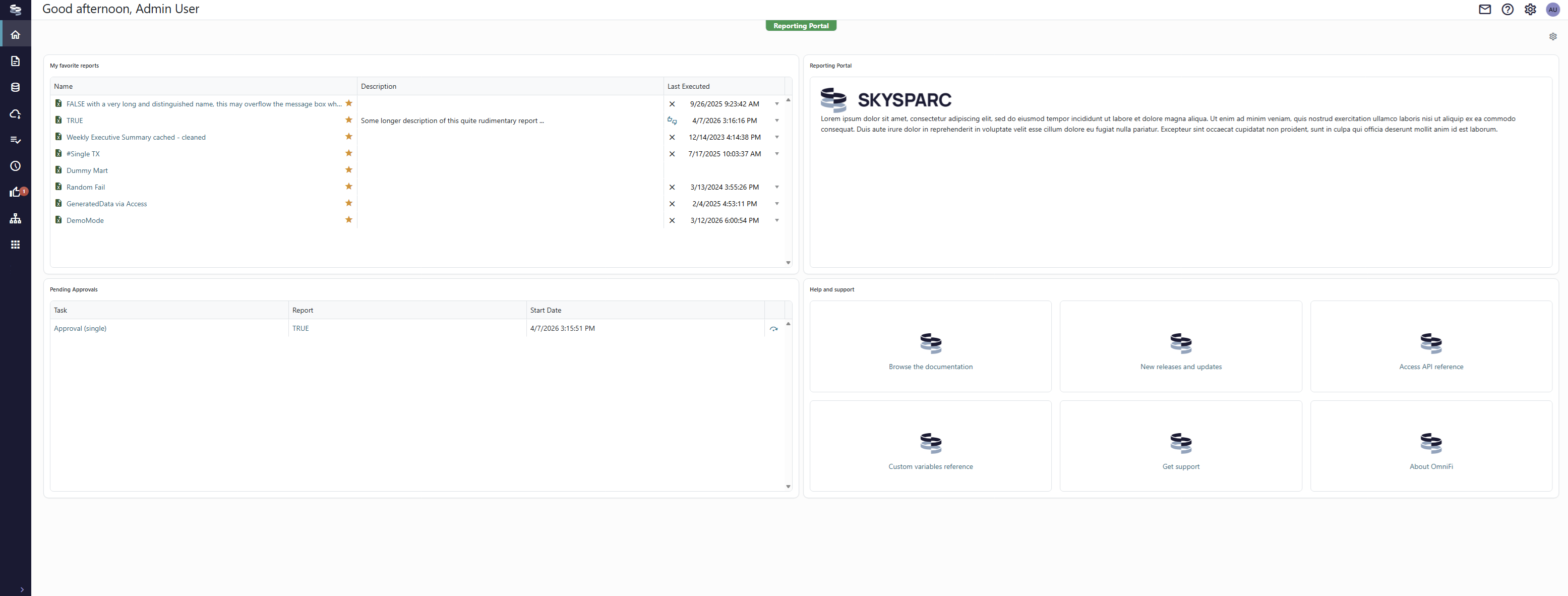
By clicking the Customize layout button in the top-right corner of the page you can edit this page to suit your workflow.
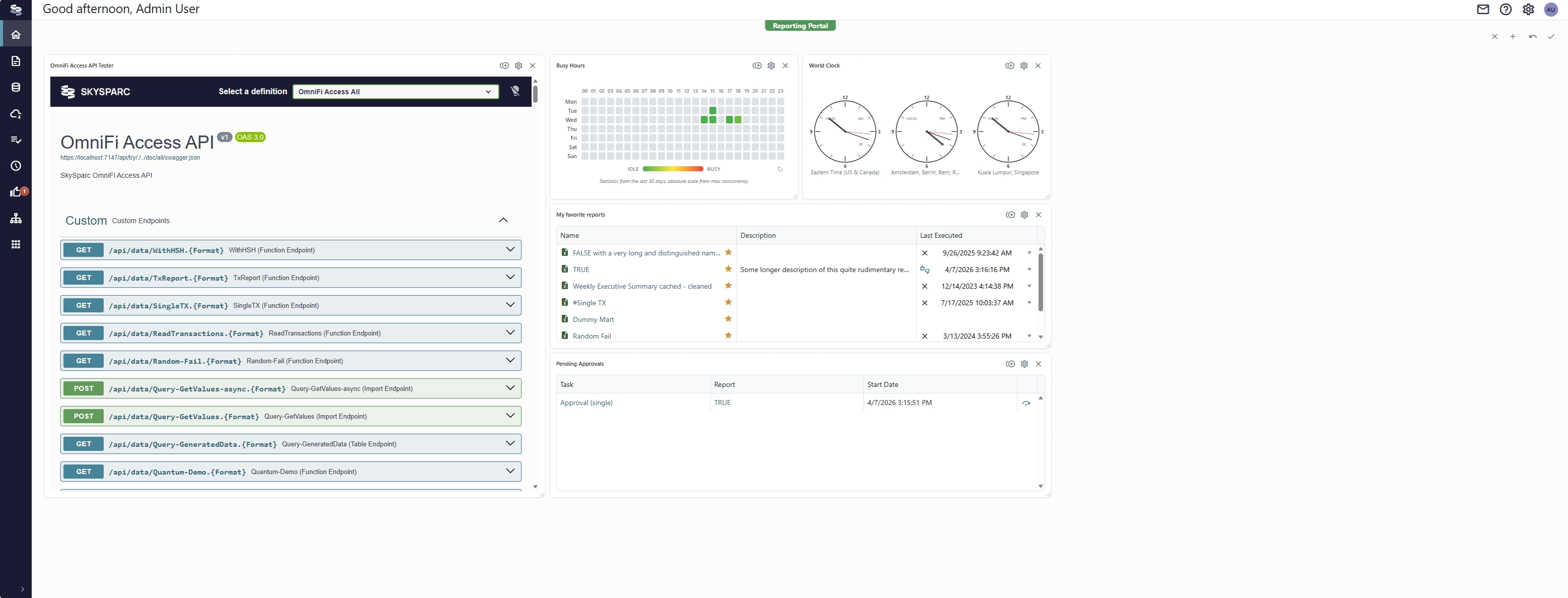
Add widgets and apps to the board by clicking the '+' button in the top-right corner. Organize and resize widgets by dragging them directly in the layout.
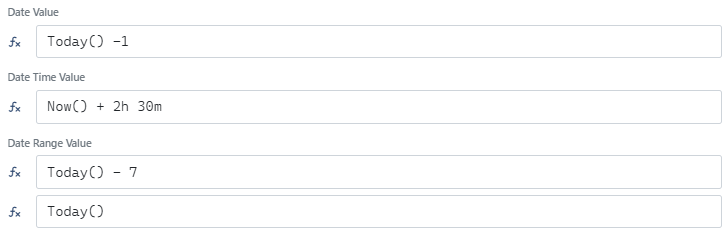
Some widgets allow you to configure parameters. Click the Configure button of the widget card to input parameters. Note that date and time parameters allow simple formulas including Today() and Now()with offset. Click the fx button next to the field to enter a formula:
Click the Save button in the top-right corner of the page to save the layout.
Updated 5 months ago
Did this page help you?