
Manging your API tokens
You can create and manage your personal API tokens from your account page.
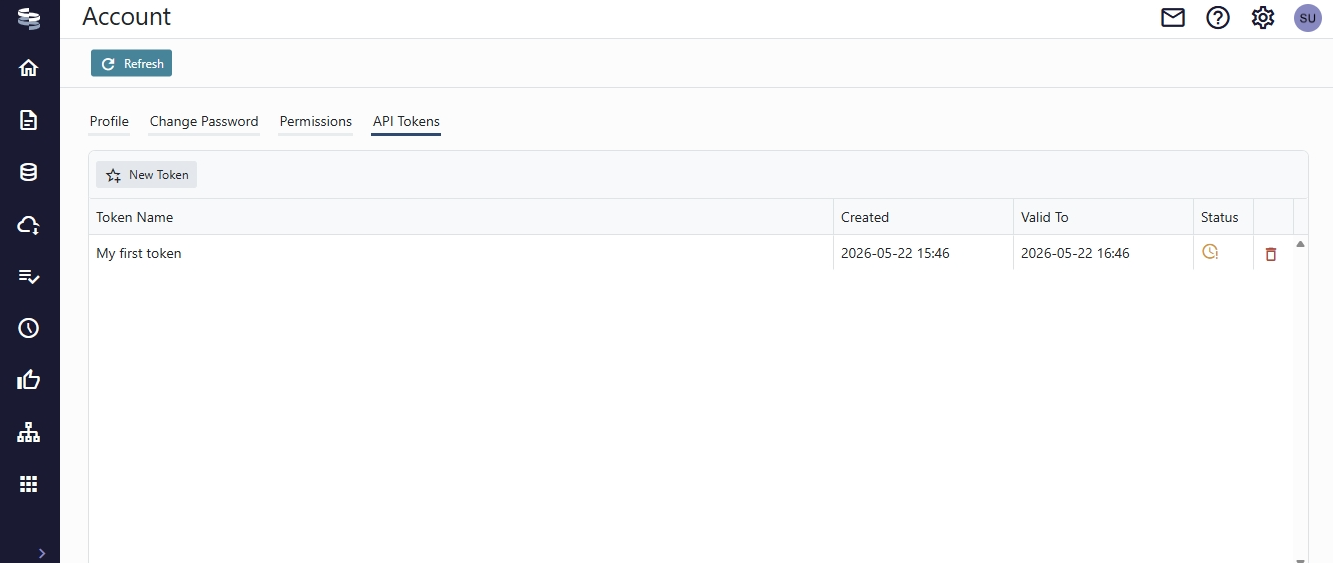
Th API tokens page shows the tokens you have created, and lets you delete them.
To create a new token, click the New Token button, and fill in the popup form.
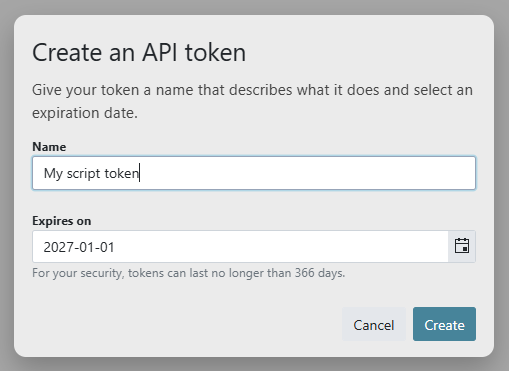
You can create tokens that are valid for up to 1 year. When you click Create, your token is displayed.
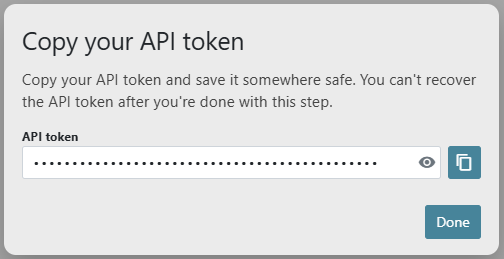
When you copy your token, make sure to save it somewhere secure. Once you close the popup, there is no way to retrieve the token again!
API tokens are used with OmniFi Access and MCP instead of your default credentials, like password, SSO and OpenID.
Certain types of OmniFi accounts pass through your password credentials for authentication with the TMS underlying APIs. Since you don't provide password credentials when authenticating with API tokens, connections to APIs like ComKIT and RG will not work as expected unless you have mapped data source credentials configured.
Updated 4 months ago